Free
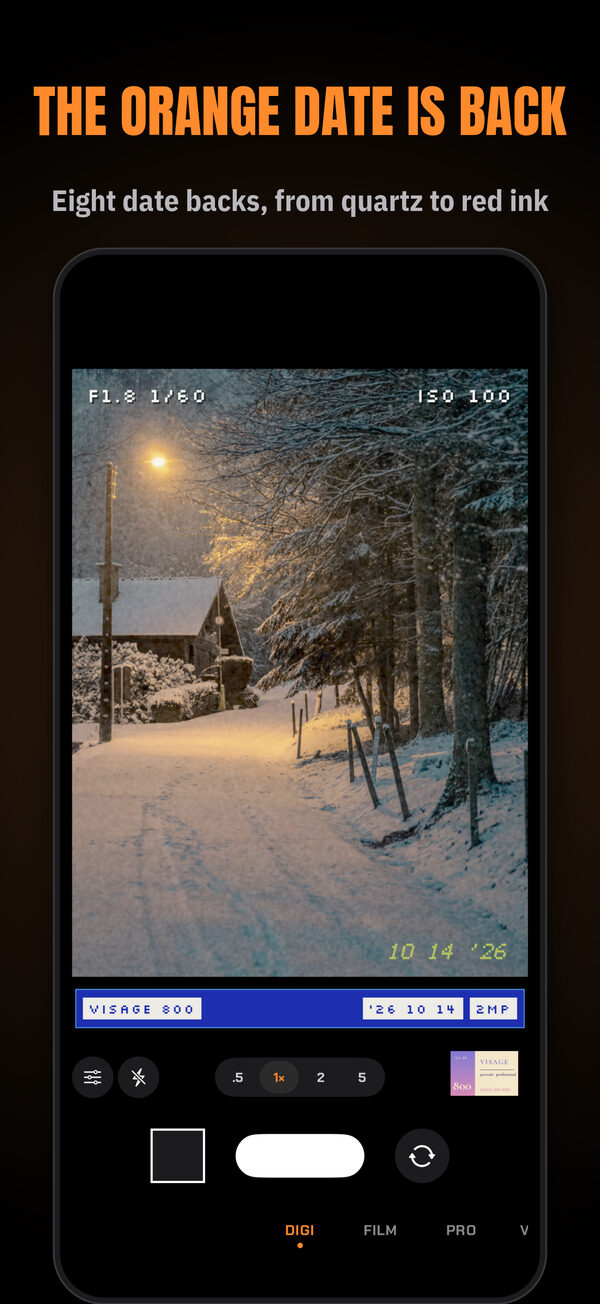
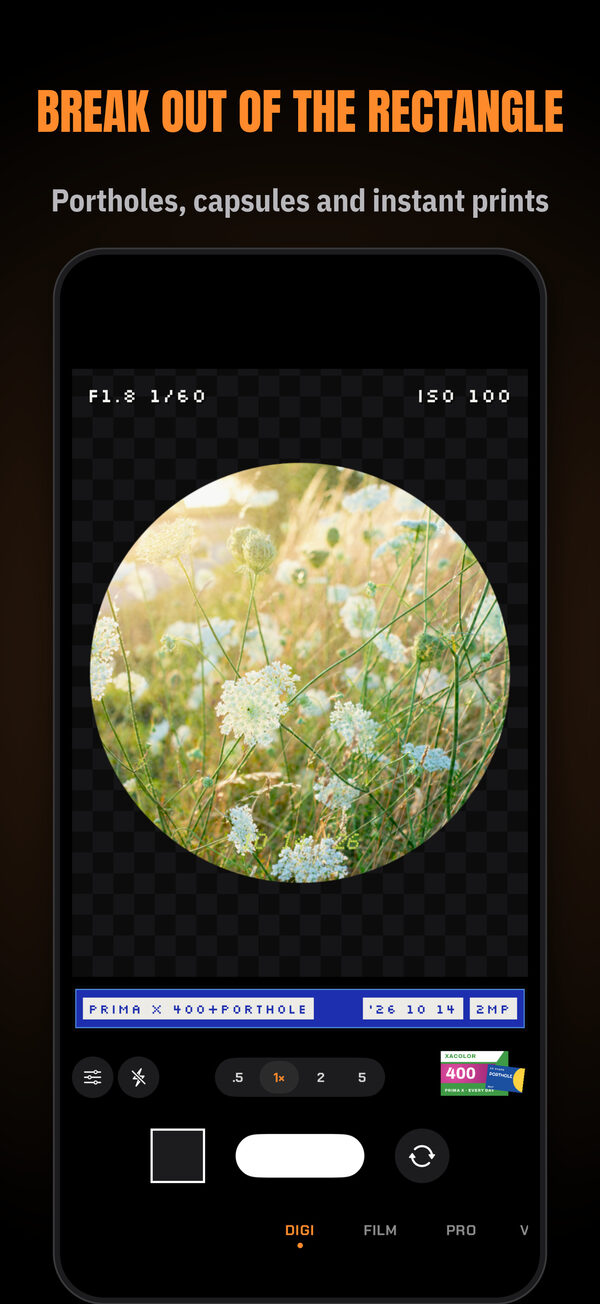
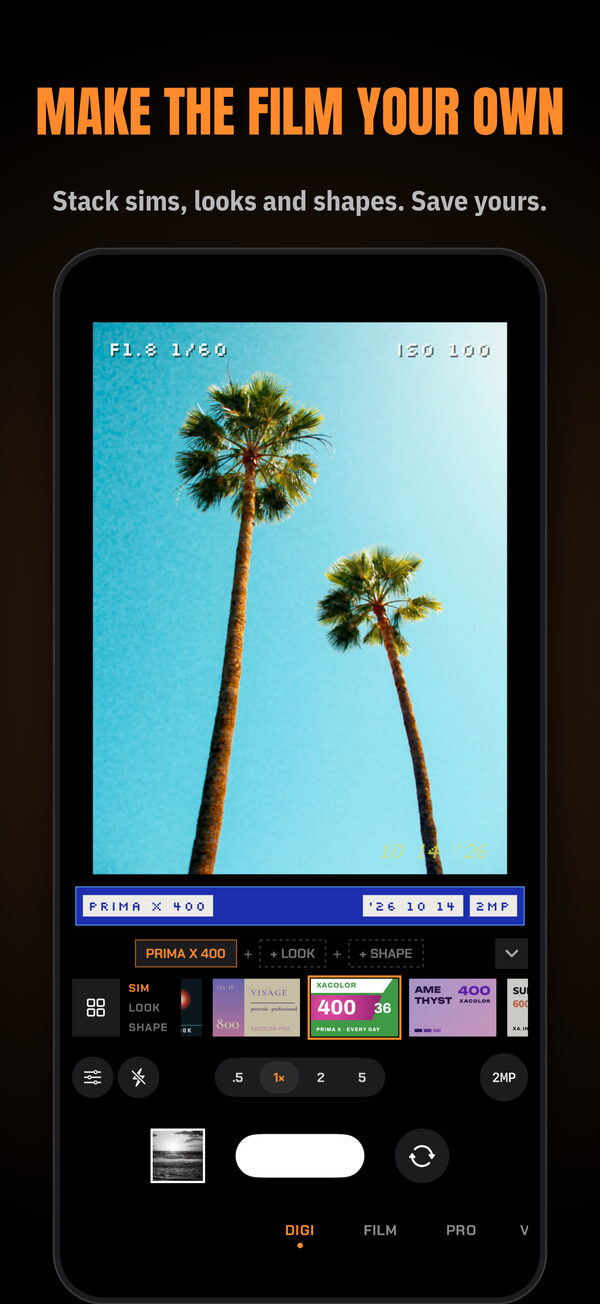
Every camera, stock, sim, look, shape, date back and tape is in the free download. There's no subscription, no ads, no account, no trial and no watermark, and nothing to unlock.
Questions
Is XA really free?
Yes. Every feature is in the free download. There's no subscription, no ads, no account, no trial and no watermark.
What data does XA collect?
None. XA has no server, no analytics, no ad or tracking code and no account. Pictures are developed on your iPhone and saved to your Photos library. The App Store privacy label is Data Not Collected. The privacy policy has the details.
Why does XA ask for the camera, the microphone and Photos?
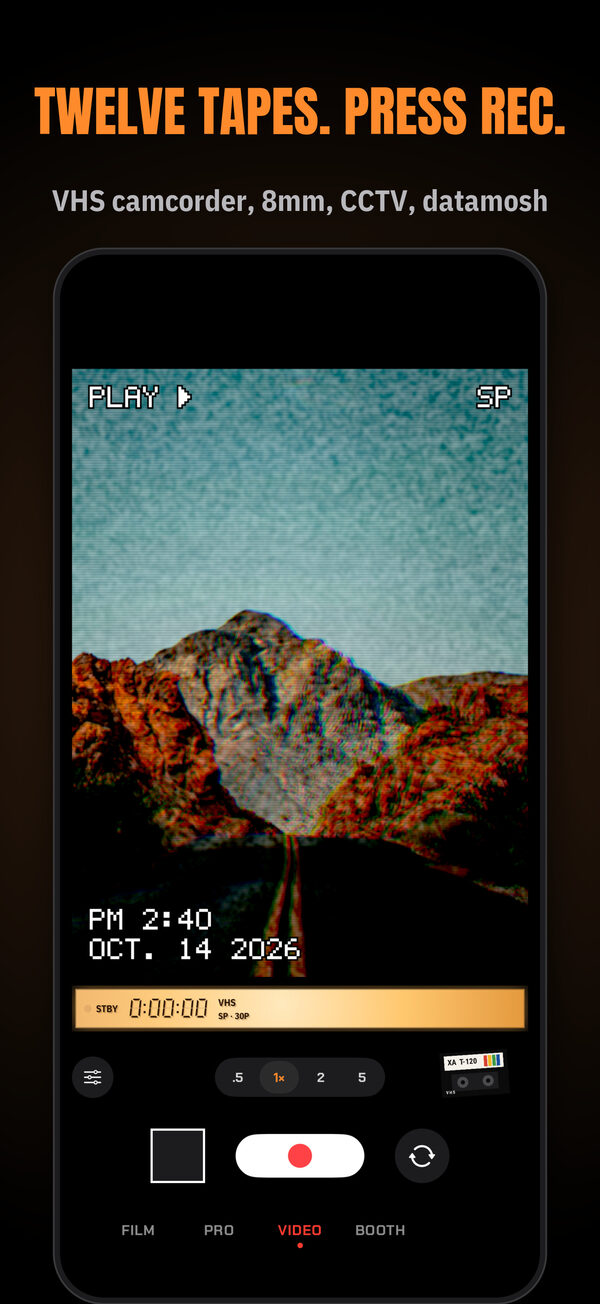
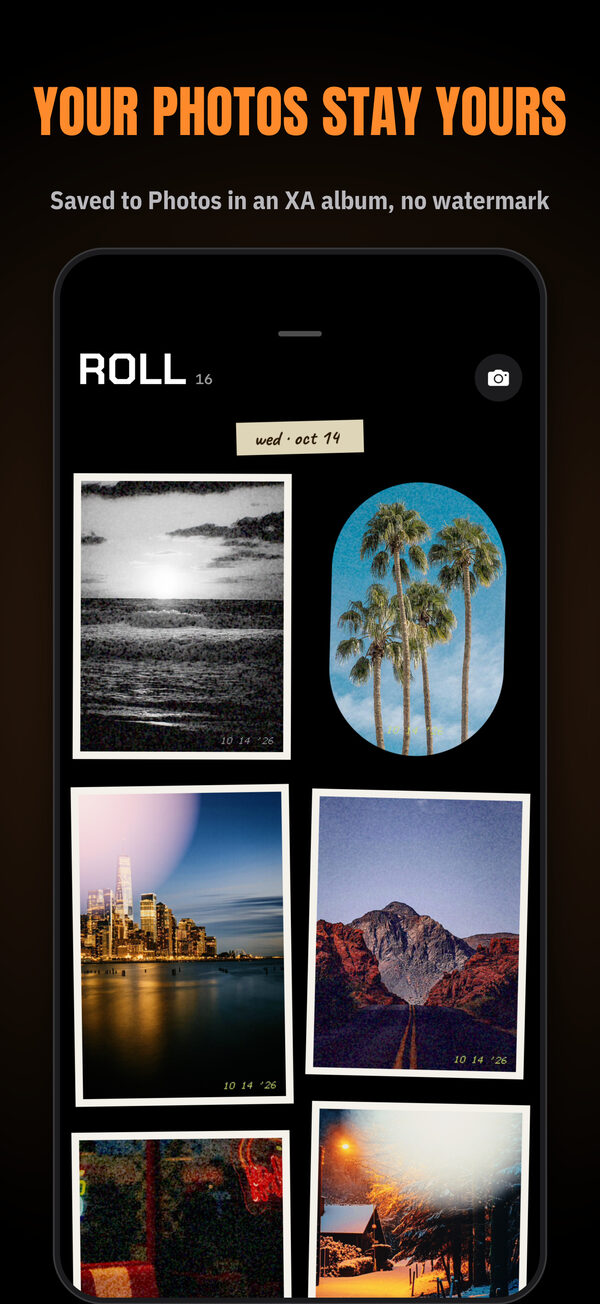
The camera takes the pictures. XA asks for the microphone only when you first open VIDEO, to record sound with your clips; if you say no, videos record without sound. Photos access lets XA save your pictures, file them in an XA album and show that album as your roll. For the album, choose Allow Full Access. With limited or add-only access your pictures still go to Photos, but not into the album. With add-only access, the roll explains how to let XA show them.
What happens to my photos if I delete XA?
They stay in Photos, and in the XA album if you gave XA full access. When XA can add to Photos, every shot goes to your library. XA doesn't keep the roll inside the app.
Is XA open source?
Yes. The source is at github.com/gi-os/XA under the GNU GPL version 3. An additional permission (EXCEPTION.md) allows App Store and TestFlight distribution on the condition that the complete source stays public. The film tables are baked with spektrafilm and licensed CC BY-SA 4.0. The font licenses ship inside the app.
Which iPhones does XA work on?
Any iPhone with iOS 18 or later. Some features depend on the hardware: Camera Control needs an iPhone with the Camera Control button, the Action button needs an iPhone that has one, 48 MP photos need a 48 MP camera, and developing FILM from RAW needs an iPhone with Apple ProRAW, which means the Pro models. XA is made for iPhone only.
How do I make XA the camera on the Camera Control button or the Lock Screen?
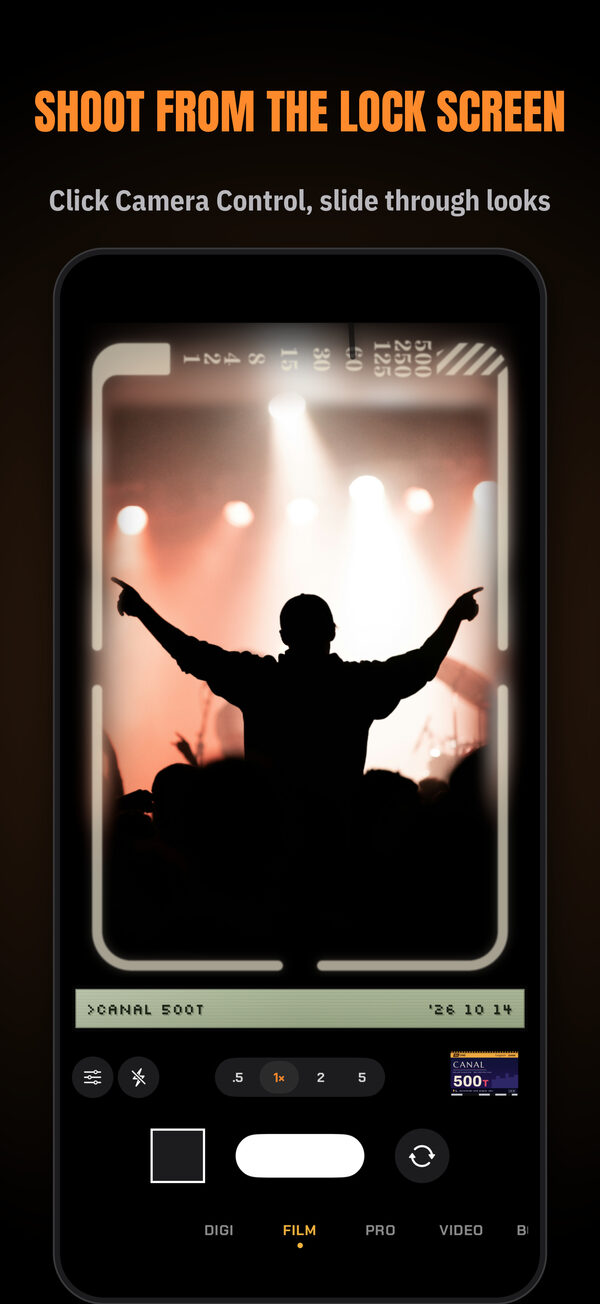
On an iPhone with Camera Control, open Settings › Camera › Camera Control › Launch Camera and pick XA. For the Lock Screen, touch and hold it, tap Customize, choose Lock Screen, tap the minus on a control at the bottom, tap the plus and choose XA. For Control Center, swipe down, tap the plus at the top left, tap Add a Control and choose XA. Tap the control while your iPhone is locked to open the Lock Screen camera.
How big are the pictures?
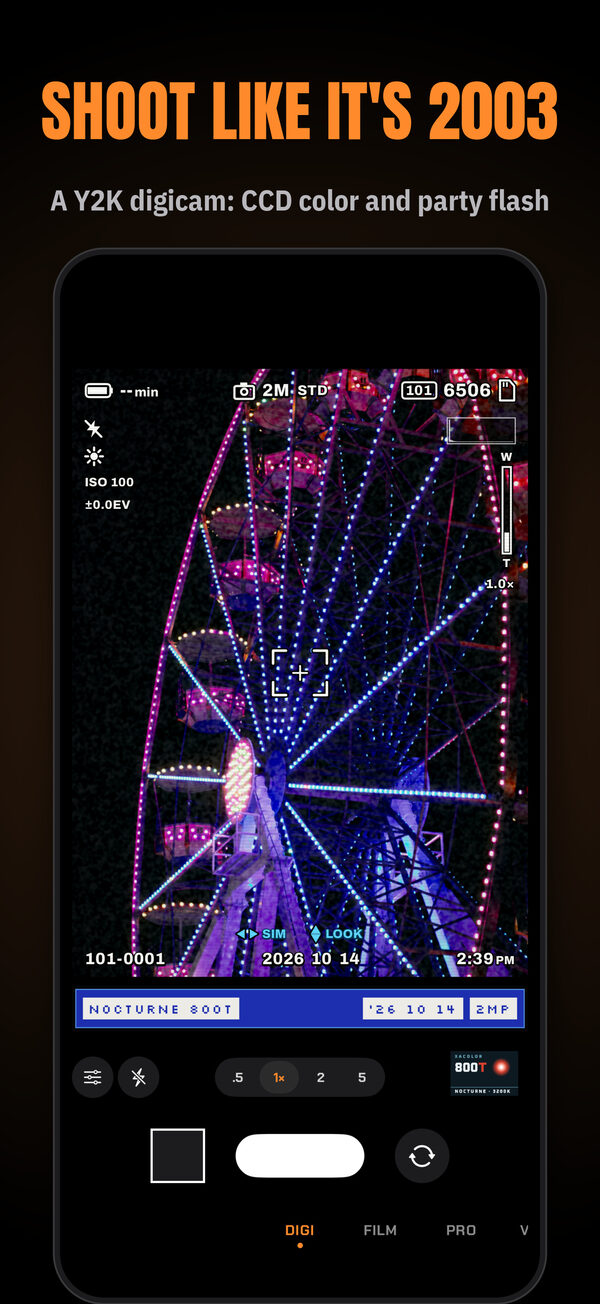
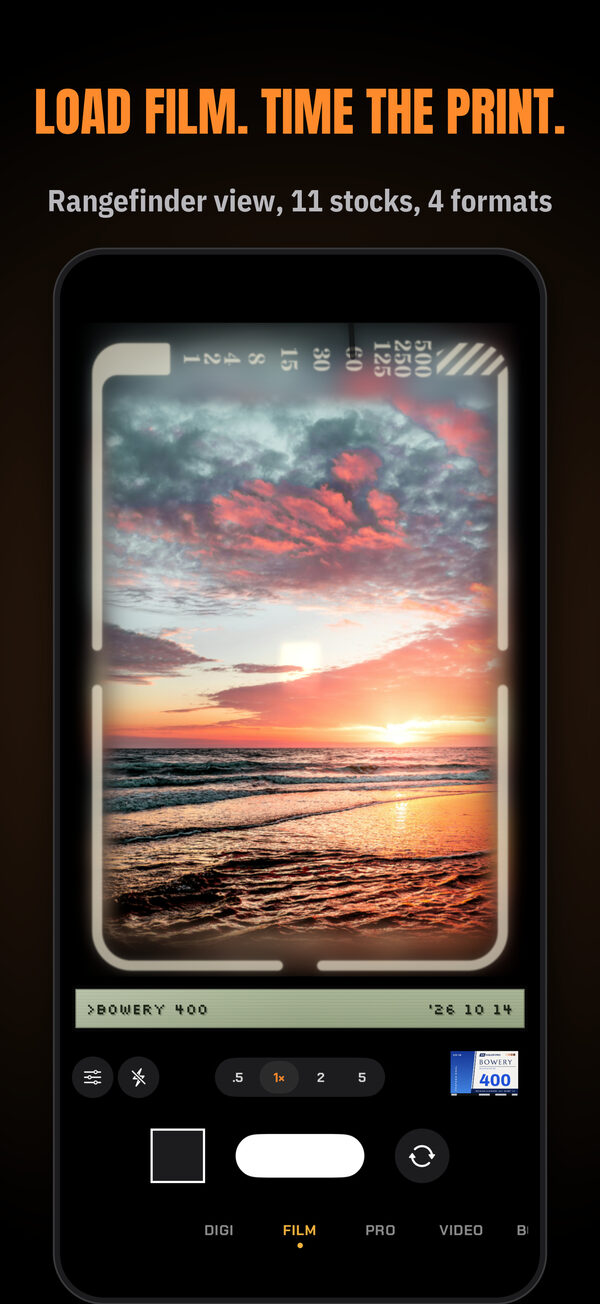
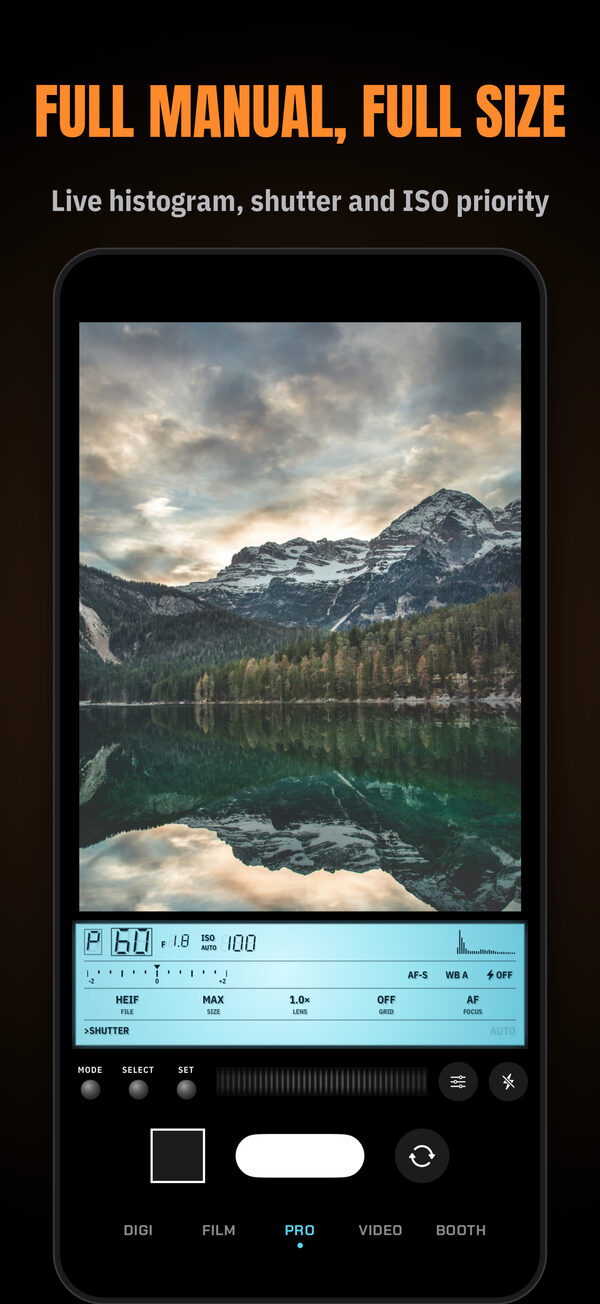
DIGI saves the size you pick, 1 to 12 megapixels. PRO saves the biggest photo your iPhone's sensor makes. FILM's default drum scan is about 5600 dpi, up to 48 MP: about 43 MP for a 35mm frame, 21 MP for half frame and 11 MP for 110. On an iPhone without a 48 MP camera, the frame is enlarged first and the grain is made at the scan's size, so zooming in shows grain, but it isn't extra detail. A smaller 3088-pixel lab scan is also available. From the Lock Screen, XA offers DIGI, FILM and PRO. PRO saves up to 12 megapixels there, and FILM always saves a lab scan.
Does XA add a watermark?
No.
Can I edit a photo after I take it?
Yes. Open it from the roll and change exposure, contrast, saturation, warmth, fade, grain or vignette, or try a different sim or look. XA saves a copy and keeps the original.
What language is the app in?
The app's interface is in English.
Is XA affiliated with a camera or film company?
No. The film stock and sim names in XA are made up. XA is not affiliated with or endorsed by any camera or film maker.
How do I get help or report a bug?
Email gio@gi-os.com, or open an issue at github.com/gi-os/XA/issues.